

Table of Contents
- Cisco vs Ubiquiti for Enterprise: The Core Decision Framework
- Cisco Meraki vs Ubiquiti UniFi: Cloud Management Compared
- Total Cost of Ownership Networking Hardware Over 5-10 Years
- Enterprise Network Scalability Best Practices for Multi-Site Growth
- Granular Control, VLAN Configuration, and Network Security
- Disaster Recovery, Redundancy, and Regulatory Compliance
- Conclusion: Matching Hardware to Your Deployment Reality
- Frequently Asked Questions
Last Updated: September 24, 2026
Cisco vs Ubiquiti for Enterprise: The Core Decision Framework
Choosing between Cisco and Ubiquiti for enterprise networks comes down to one question: are you buying a support contract with hardware attached, or hardware you manage yourself? That single distinction drives every downstream cost and capability difference. This guide from BI-DISTRIBUTION breaks down the real trade-offs for network engineers, MSPs, and IT teams evaluating cisco vs ubiquiti for enterprise deployments in 2026.
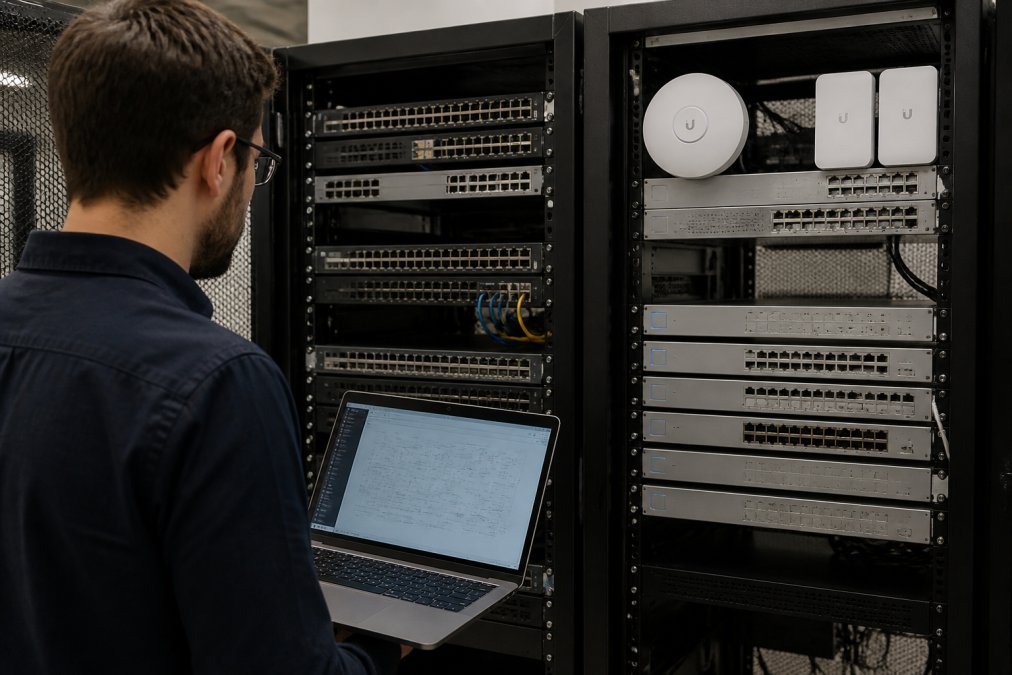
The honest answer is that neither platform wins outright. Cisco earns its place in regulated, mission-critical environments where downtime carries contractual penalties.
Licensing, Support, and Hardware Lifecycle Differences
Cisco operates on a subscription-first model. Meraki hardware requires an active license to function at all; let it lapse and the device stops passing traffic. That's a deliberate design choice, not an accident.
The trade-off is stark:
- Cisco: Predictable support SLAs, advance hardware replacement, and published end-of-life timelines. You pay annually for all of it.
- Ubiquiti: No license fees, but support is community-driven. RMA handling exists, though response times vary and there's no phone-a-network-engineer hotline.
Cisco Meraki vs Ubiquiti UniFi: Cloud Management Compared
Both platforms offer cloud management, but they solve different problems. Meraki's dashboard is built for organizations that want policy enforcement and compliance reporting with minimal local expertise. UniFi's controller gives you deeper raw configuration access at a lower cost, provided you have the skills to use it.
Feature |
Cisco Meraki |
Ubiquiti UniFi |
|---|---|---|
License required |
Yes, per device, annual |
No |
Local controller option |
Limited |
Yes, free |
VLAN configuration depth |
Guided, template-based |
Full manual control |
Firmware control |
Vendor-scheduled |
Manual or scheduled |
Best for |
Compliance-heavy IT teams |
Hands-on network admins |
Total Cost of Ownership Networking Hardware Over 5-10 Years
Total cost of ownership networking hardware is where the two platforms diverge most sharply. Over a ten-year horizon, licensing compounds while hardware costs stay fixed.
Consider a 50-access-point deployment:
- Cisco Meraki: Hardware plus ten years of licenses. Every year the license renews, and skipping renewal bricks the hardware.
- Ubiquiti UniFi: Hardware only, refreshed once mid-cycle when the hardware lifecycle ends. No recurring fees at any point.
Recurring Fees vs One-Time Purchase Models
Recurring fees buy you something real: accountability. When a Cisco device fails, you have a contract that obligates a replacement. When a Ubiquiti device fails, you have a spare on the shelf and a support forum.
Enterprise Network Scalability Best Practices for Multi-Site Growth
Scalability in an enterprise network is less about how many access points a controller can theoretically adopt and more about how much human effort each new site costs. That is where Cisco and Ubiquiti diverge in ways that only show up at site five, ten, or fifty.
How each platform actually scales
Cisco Meraki scales through centralized policy. You define a template at the organization level, bind networks to it, and every branch inherits the same firewall rules, VLAN schema, and SSID configuration. Adding a site is largely a matter of claiming hardware into the dashboard and assigning it to a template. The trade-off is that template changes propagate broadly, a mistake in a template is a mistake everywhere it is bound.
Concrete scaling mechanics to plan for
- Controller placement. Meraki is cloud-hosted by Cisco; there is nothing to size. UniFi can run on a Cloud Key, a self-hosted controller, or UniFi's own hosted offering, and the choice affects how many sites one controller can reasonably manage before you split into multiple controllers.
- Site-to-site VPN and SD-WAN. Meraki has native Auto VPN for building full-mesh or hub-and-spoke topologies between branches. UniFi supports site-to-site VPN, but mesh topology design and failover behavior are more manual and vary by gateway model.
- Switch stacking and aggregation. On the wired side, Cisco's stacking and chassis options let you grow port density in a single logical unit. UniFi's switching line is primarily fixed-form-factor, so growth means adding switches and managing uplinks rather than stacking.
- Address plan and VLAN schema. Decide your VLAN numbering, subnet sizing, and DHCP scope strategy before site two. Retrofitting a VLAN schema across dozens of cloned sites is one of the most expensive mistakes in multi-site networking.
- Firmware strategy. Never push a firmware update to every site simultaneously. Stage it: one pilot site, then a small batch, then the remainder. This applies to both platforms, but UniFi's faster release cadence makes staging more important.
The scaling question that actually matters
Ask not "which platform scales further" but "which platform scales with the team I have." A two-person IT team managing 40 branch sites will usually get more leverage from Meraki's template inheritance and TAC-backed escalation. A larger network engineering team with standardized hardware and strong internal documentation can often run UniFi at a fraction of the recurring cost, provided they invest in change control.
Granular Control, VLAN Configuration, and Network Security
Granular control is where experienced engineers often prefer UniFi. The platform exposes VLAN configuration, firewall rules, and routing protocols without hiding them behind simplified wizards.
Disaster Recovery, Redundancy, and Regulatory Compliance
Most comparison articles stop at "Cisco is more compliant." That is not useful to an enterprise buyer who has to produce audit evidence next quarter. This section covers the mechanisms, what redundancy actually looks like on each platform, and what compliance artifacts each one generates without extra tooling.
Redundancy: what to build on either platform
Redundancy is vendor-neutral in principle and vendor-specific in execution. The layers that matter:
- WAN redundancy. Dual ISP with automatic failover on the gateway. Cisco Meraki MX appliances support dual WAN with configurable failover and can add cellular failover via USB or integrated LTE models. UniFi gateways support dual WAN on higher-tier models; verify per-model capability before committing, because entry-level gateways often do not.
- Power redundancy. Dual power supplies on core switches and UPS coverage on gateways and controllers. This is a hardware selection issue, not a software one.
- Switching redundancy. Redundant uplinks with spanning tree or link aggregation between access and distribution layers. Cisco's stacking simplifies this; UniFi typically relies on LACP or STP across separate switches.
- Controller redundancy. Meraki's cloud dashboard is inherently redundant from the customer's perspective. UniFi controllers are a single point of failure unless you run a backup controller or use a high-availability pair, plan for this explicitly.
- Configuration backup. Meraki stores configuration in the cloud. UniFi requires you to export controller backups on a schedule and store them off-site. Automate this; manual backups are the most common DR gap in UniFi deployments.
Failover behavior: what to test, not just configure
A failover that has never been tested is a hypothesis, not a control. Build a runbook that covers:
- Pull the primary WAN and confirm traffic shifts within your SLA window.
- Power-cycle the primary switch and confirm the secondary takes over.
- Restore a controller backup to a spare controller and confirm sites re-adopt.
- Document the time-to-recovery for each scenario.
Regulatory compliance: what each platform produces
This is the clearest enterprise differentiator, and it is where most comparison articles are thinnest.
- PCI-DSS: Meraki's dashboard provides configuration change logs, admin access logs, and the ability to enforce policy consistently across sites, the kind of evidence PCI assessors typically request for network segmentation and access control.
- HIPAA: Meraki supports the administrative, physical, and technical safeguard documentation that HIPAA security rule assessments look for, including role-based admin access and audit logging.
- SOC 2: Cisco publishes its own SOC 2 reports covering the Meraki cloud, which many enterprise customers rely on for vendor risk assessments.
The practical decision rule
If your organization is subject to PCI-DSS, HIPAA, or SOC 2 and does not have a mature GRC function, Cisco's built-in reporting meaningfully reduces audit overhead. If you have a strong security team and a GRC platform already in place, UniFi can meet the same controls at a lower recurring cost, but budget engineering time for evidence collection.
Cisco Meraki compliance documentation
Conclusion: Matching Hardware to Your Deployment Reality
The cisco vs ubiquiti for enterprise decision rarely has a single right answer. Regulated environments with support contracts favor Cisco. Budget-conscious multi-site rollouts favor Ubiquiti. Most organizations run both.
Frequently Asked Questions
Is Ubiquiti considered enterprise-grade networking equipment?
Ubiquiti's UniFi line handles many enterprise workloads, including multi-site deployments with hundreds of access points. It supports VLAN configuration, traffic shaping, and cloud management. The gap appears in advanced routing protocols, packet inspection depth, and formal support SLAs. For organizations with strict compliance requirements or 24/7 vendor-backed support needs, Cisco remains the safer pick. For cost-conscious MSPs managing standard wired LAN and wireless LAN environments, Ubiquiti delivers solid throughput and uptime at a lower entry point.
Which is more cost-effective for large-scale deployments: Cisco or Ubiquiti?
It depends on your time horizon. Ubiquiti wins on upfront hardware cost and avoids recurring licensing fees, which matters when budget constraints are tight. Cisco's total cost of ownership networking hardware includes subscription licensing for Meraki cloud management, but that fee covers firmware stability, technical support, and hardware lifecycle management. Over 5-10 years, the gap narrows if you factor in replacement cycles and the staff hours needed to manage Ubiquiti deployments without vendor-backed support.
What are the scalability limitations of Ubiquiti compared to Cisco?
UniFi scales well to hundreds of access points and switches across sites using cloud management. Limitations surface with complex routing protocols, deep packet inspection at line rate, and advanced redundancy configurations like dual ISP failover with LTE backup. Cisco handles those scenarios natively across its routing and switching portfolio. For rural broadband expansion or ISP-grade network infrastructure, Cisco offers more headroom, while Ubiquiti suits growing businesses that do not need carrier-grade routing depth.